CubeMX Configuration for a Given MCU
Below is the CubeMX configuration for the I2C interface in STM microcontrollers. Please note that these parameters are an example configuration and should be adjusted to the requirements of a specific application.
H7
General CubeMX Settings
| No. | Name | Path | Setting | Setting Description | Screenshot |
|---|---|---|---|---|---|
| 1 | I2C Mode | Pinout & Configuration > Connectivity > I2C* > Mode | I2C | I2C Mode should be set to I2C | 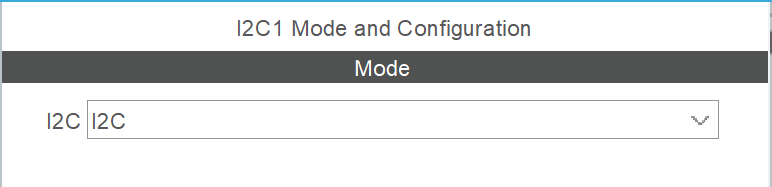 |
| 2 | Maximum output speed | Pinout & Configuration > Connectivity > I2C* > GPIO Settings > click on the pin and enter the configuration window > Maximum output speed | Very High | Pin operating speed configuration. Apply to both pins supporting the SCL and SDA lines. | 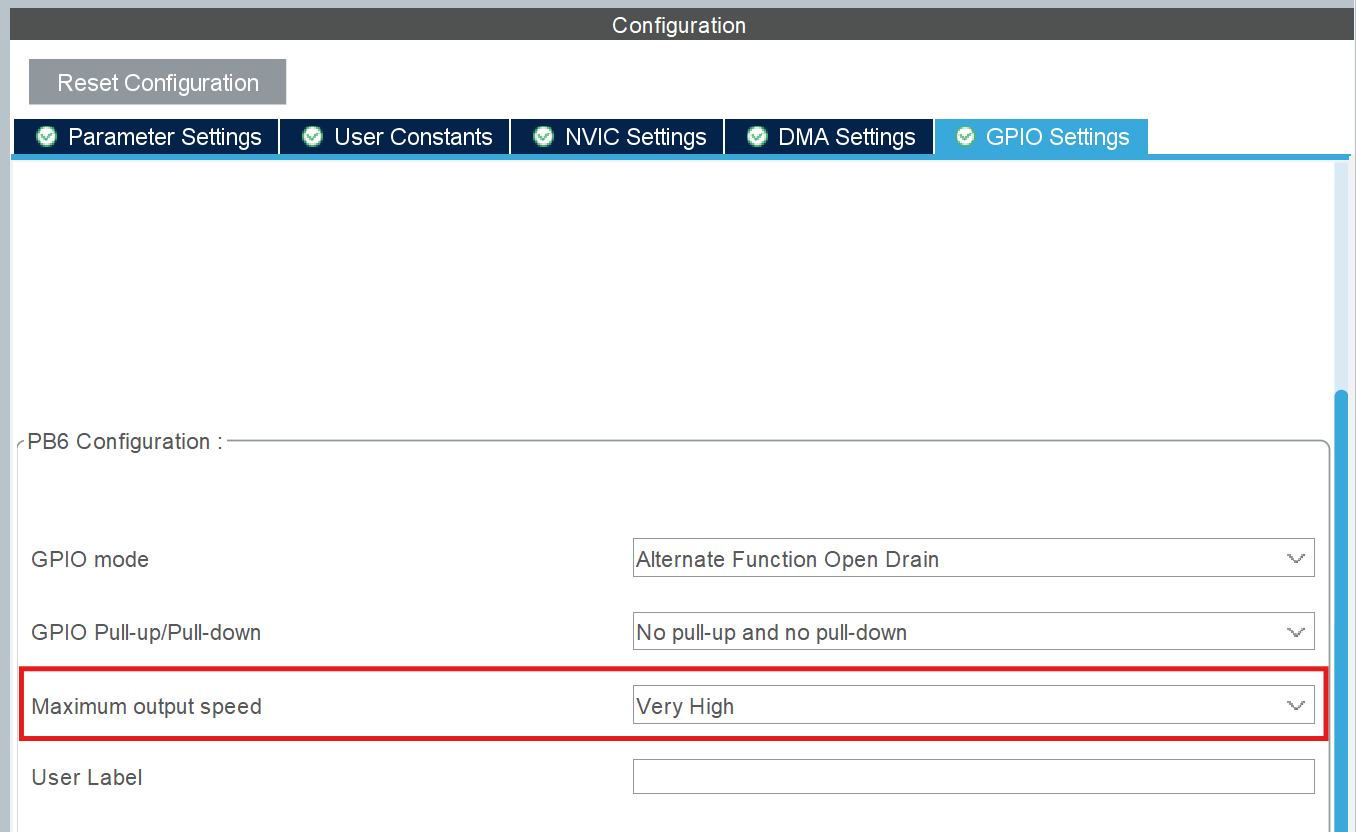 |
Interrupts for the I2C interface are not required.
I2C* — the asterisk symbol (*) represents the number of the I2C module used in the model, e.g., I2C1, I2C2, etc.
Last updated on