Initialize Block Description
This block is used to initialize the system within the Simulink model. It allows you to place blocks inside it that should be executed only once at the beginning of the program execution. This block is particularly useful when the model contains components that require initialization before entering the main program loop.
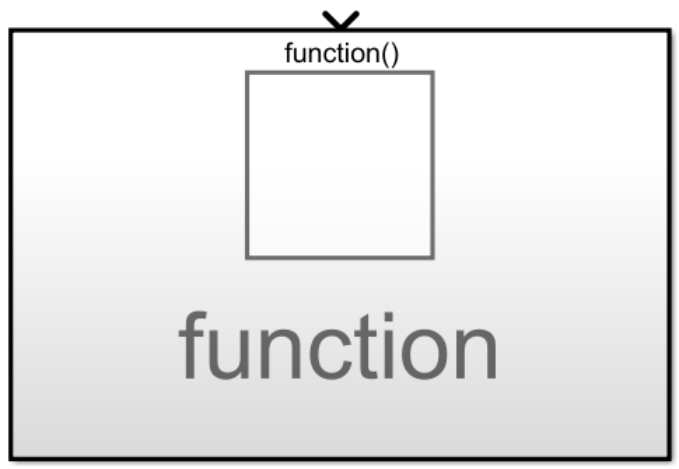
Table of Contents
Inputs
| Input Name | Type | Description |
|---|---|---|
| Start init function | bool | Input port enabling the execution of the initialization block. It must be connected to the corresponding output of the System Target block. |
Outputs
This block has no outputs.
Block Operation
For the block to function correctly, you must:
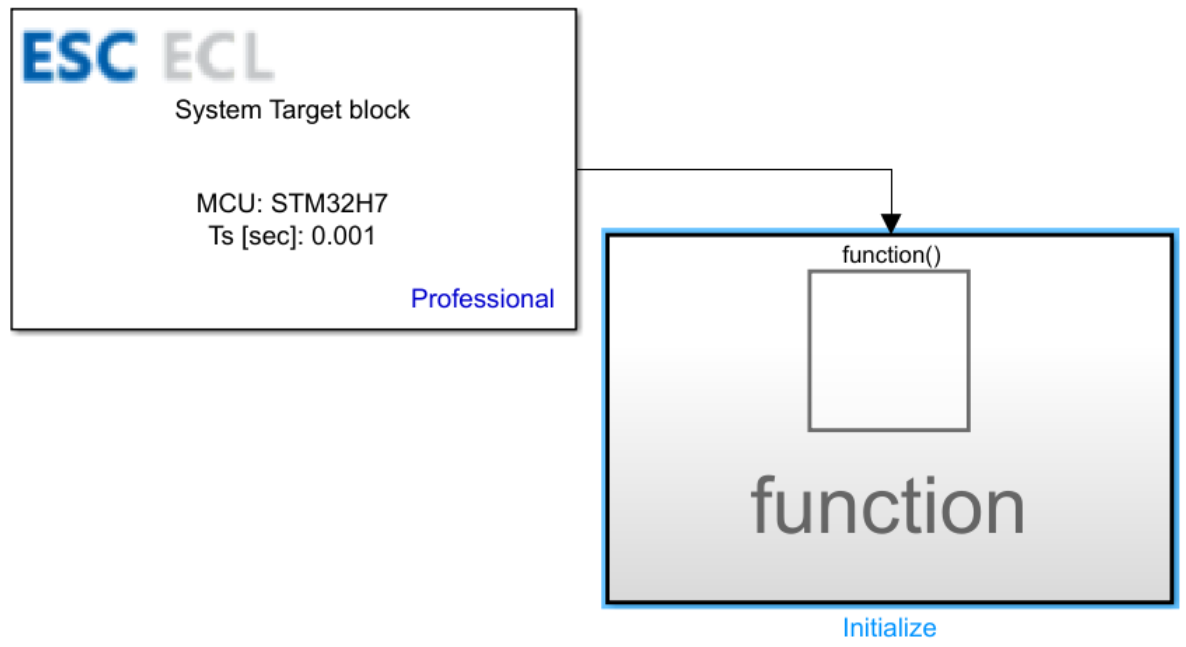
- Enable the Enable initialization function call output option in the System Target block.
- Connect the Start init function output from the System Target block to the Start init function input on the Initialize block.
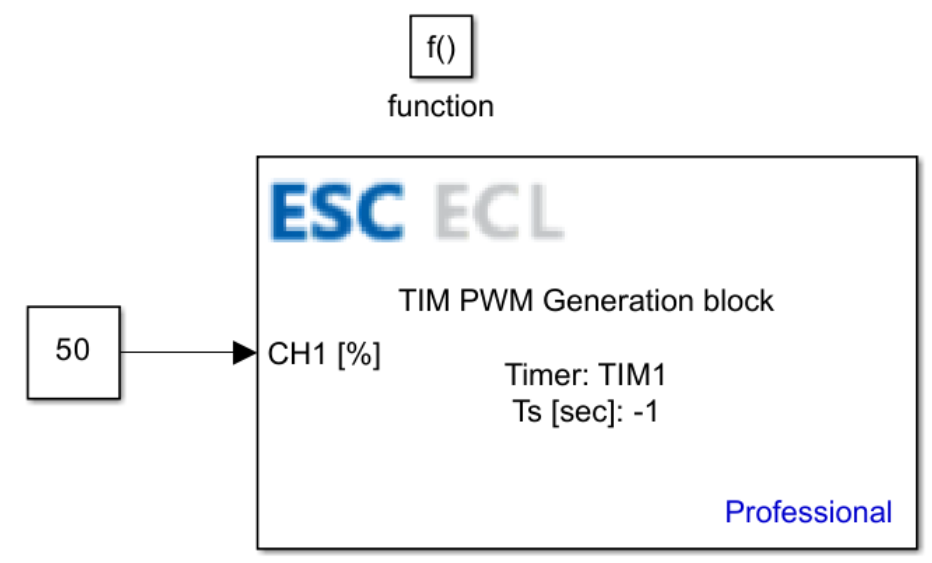
- Place all the blocks that need to be executed only once at the start of the program inside the Initialize block.
Block Parameters
This block has no parameters.
CubeMX Configuration for a Given MCU Model
This block does not require any configuration within the CubeMX file.
See Also
Last updated on